
CB Servers
Launcher
Install, update, verify and play the community clients for every COD from the 2003 original to Black Ops 4. Point it at the games you already have and it handles the rest.
– launchers online / – in a game right now
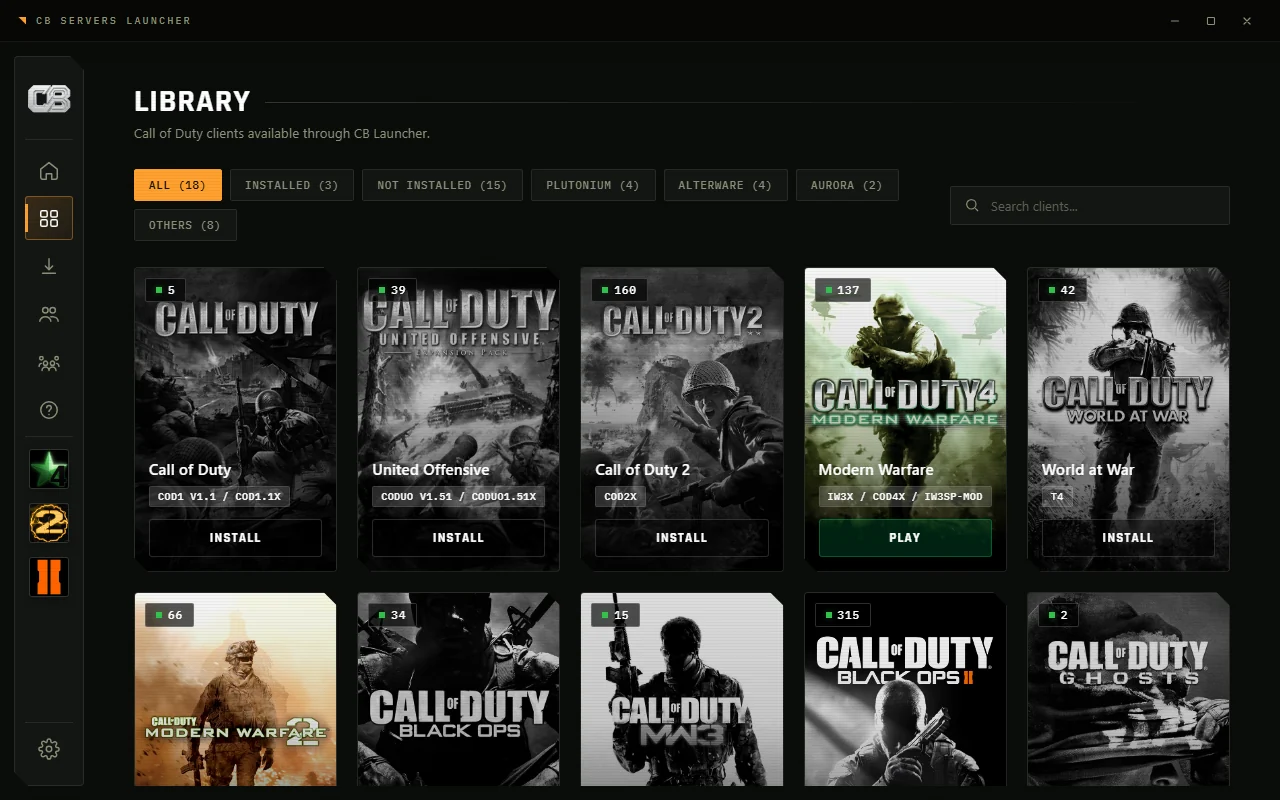 Library
What it does
It handles installs, updates and verification, so all you have to do is press Play.
Bring your own game
Point it at your game folder, from Steam or anywhere else, and it sets up the client for you. It can fill in any missing files too.
Automatic updates
The launcher, every client and the game files update automatically. Hash-verified, resumable downloads.
Fast verification
Something broke? Verify checks every file and replaces only what changed, in seconds rather than a reinstall.
Manage content
Pick which campaign, multiplayer, zombies and DLC pieces you keep installed. Deselect to free the space.
Mods and Workshop
Browse the Steam Workshop for Black Ops 3 and hosted catalogs for other games. Custom maps install with one click.
Friends and invites
See what friends are playing and invite them into your match. Link Discord for rich presence, or use a launcher account with no Discord at all.
Server browser
Every game page has a live server list with map, mode, players and ping, so you can join without opening the game first.
Redistributables and links
Installs the Visual C++ and DirectX redistributables with one prompt, keeps a shared GUID across clients, and opens straight from cbservers:// links.
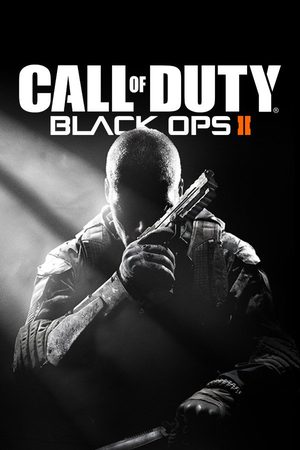
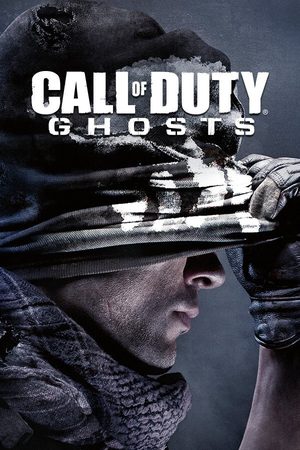
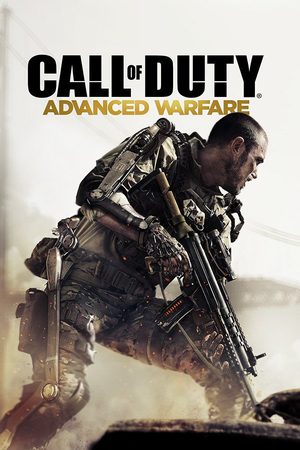
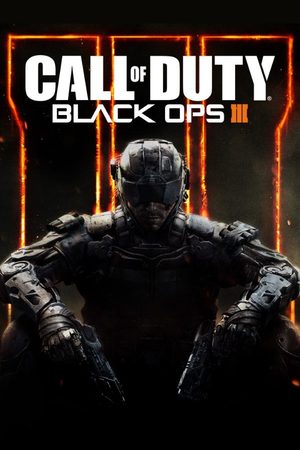
Supported games
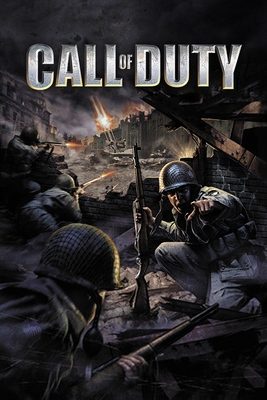
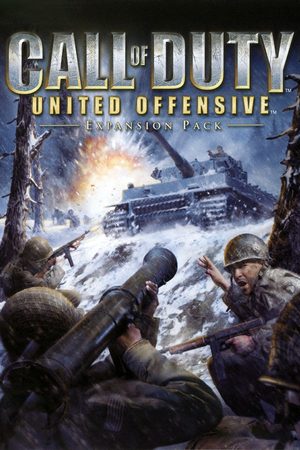
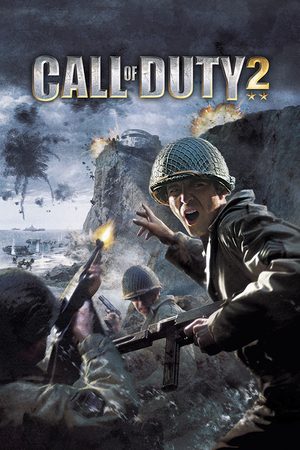
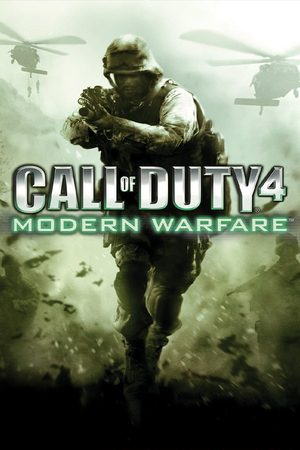
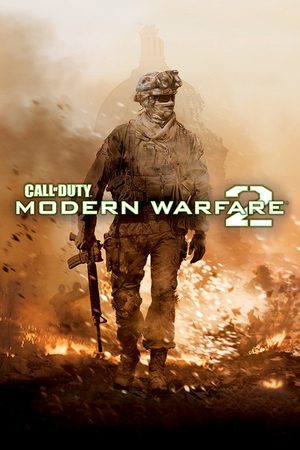
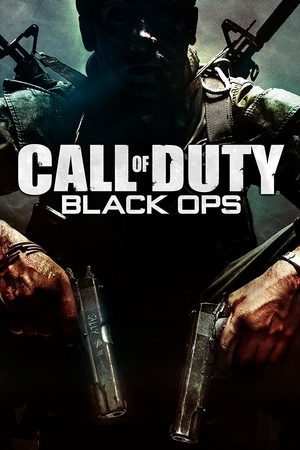
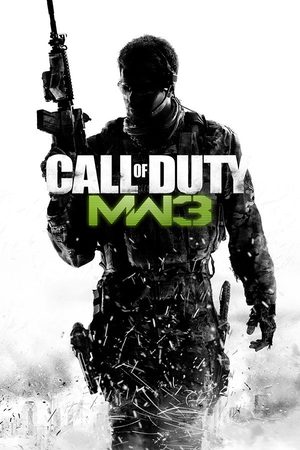
Each title runs on its community client. The launcher installs the client for you and, where a game has more than one, lets you choose.



Getting started
Download
Grab cb-launcher.exe and run it from any folder. There is no installer, and it keeps itself updated.
Pick a game
Open the Library and choose the title you want to play.
Set up
Browse to your game folder, Steam or otherwise, and choose which content to keep. The launcher adds the client files.
Play
Hit Play, pick a mode if the game has more than one, and you are in. Verify is one click if anything breaks.
The launcher is not affiliated with or endorsed by COD.PM, CoD2x, IW4x, Plutonium, AlterWare, Aurora, HorizonMW, CoD4x, IW3SP-Mod, IW3x, T6SP-Mod, H2-Mod, Project BO4 or other client maintainers. Please do not contact the original client maintainers with support requests about this launcher. Bring them to our Discord instead.
Friends, invites, rooms
Presence and invites work across every client the launcher runs, whether or not the game itself has a friends list.